Instructions for downloading files from GitHub without using git
GitHub provides download ability for single files or entire repositories.
Single File
This is not as obvious as you may hope, but is easy once you know how.
Opening a link to GitHub may show a folder of files or an individual file:
A link to a GitHub folder will bring you to a page looking like this
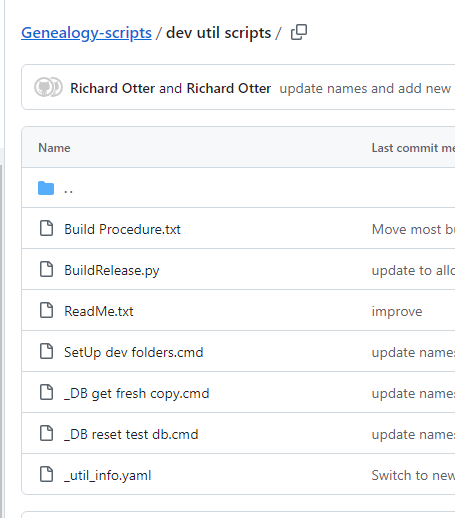
Click the file name that you wish to download.
The file will be displayed in a line-numbered format.
Now click on the download button near the top right side of the window.
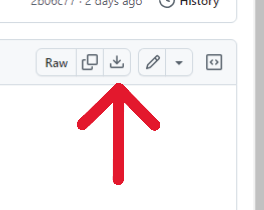
A copy of the "raw" file, the file without line numbers (as it is actually stored on the server) will be downloaded to your specified location.
A link to a GitHub file (FILE_LINK) will directly display the line-numbered format file
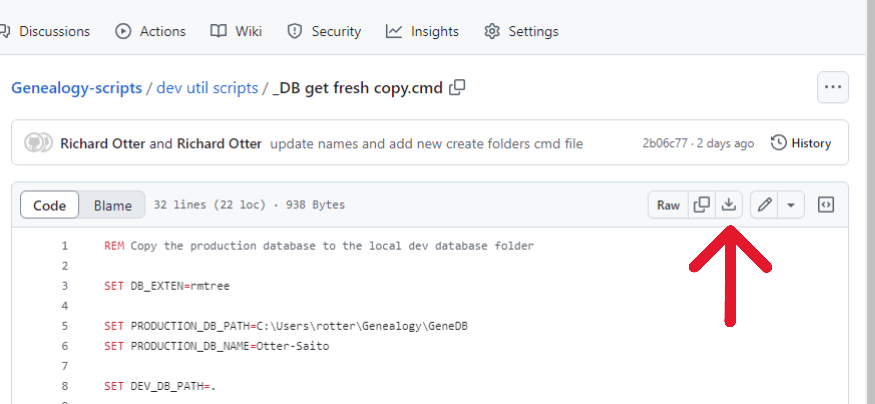
Again, click the download button near the top right corner to bring it to your computer.
Multiple files
Files in GitHub are always contained in named "repositories" (repo), which appears like a folder. Repos may also contain sub folders. To download multiple files- there are only two choices, download each file separately using the instructions above, or download the entire repo.
A repo will look something like this:
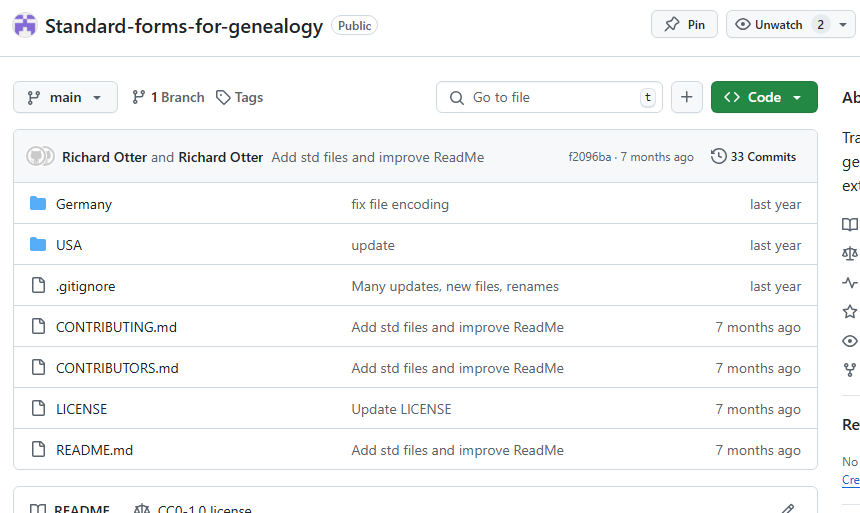
If one of the folders contained in the repo is opened, the page will look like:
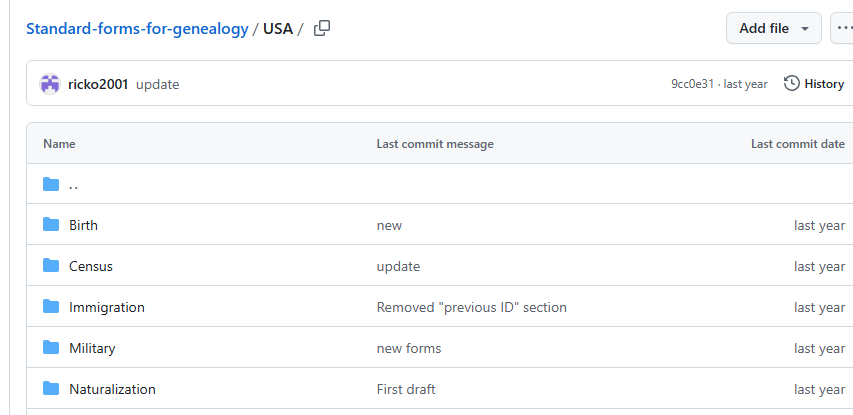
Note that te repo display has a distinctive line of buttons and controls. Including the button labeled "<> CODE".
To download all of the files in the repo, including its sub folders, click the "<> Code" button and select the Download zip
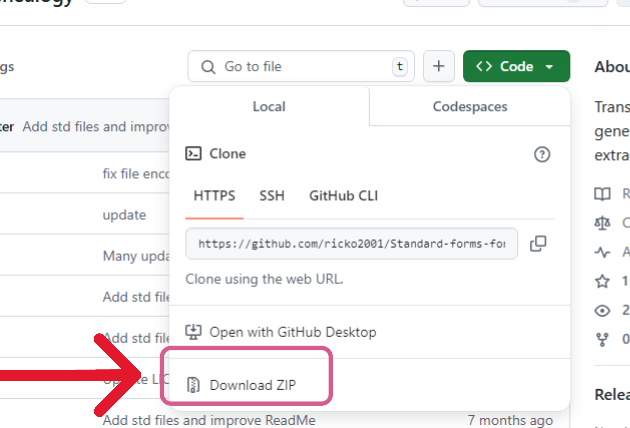
You will then be asked to choose the destination.